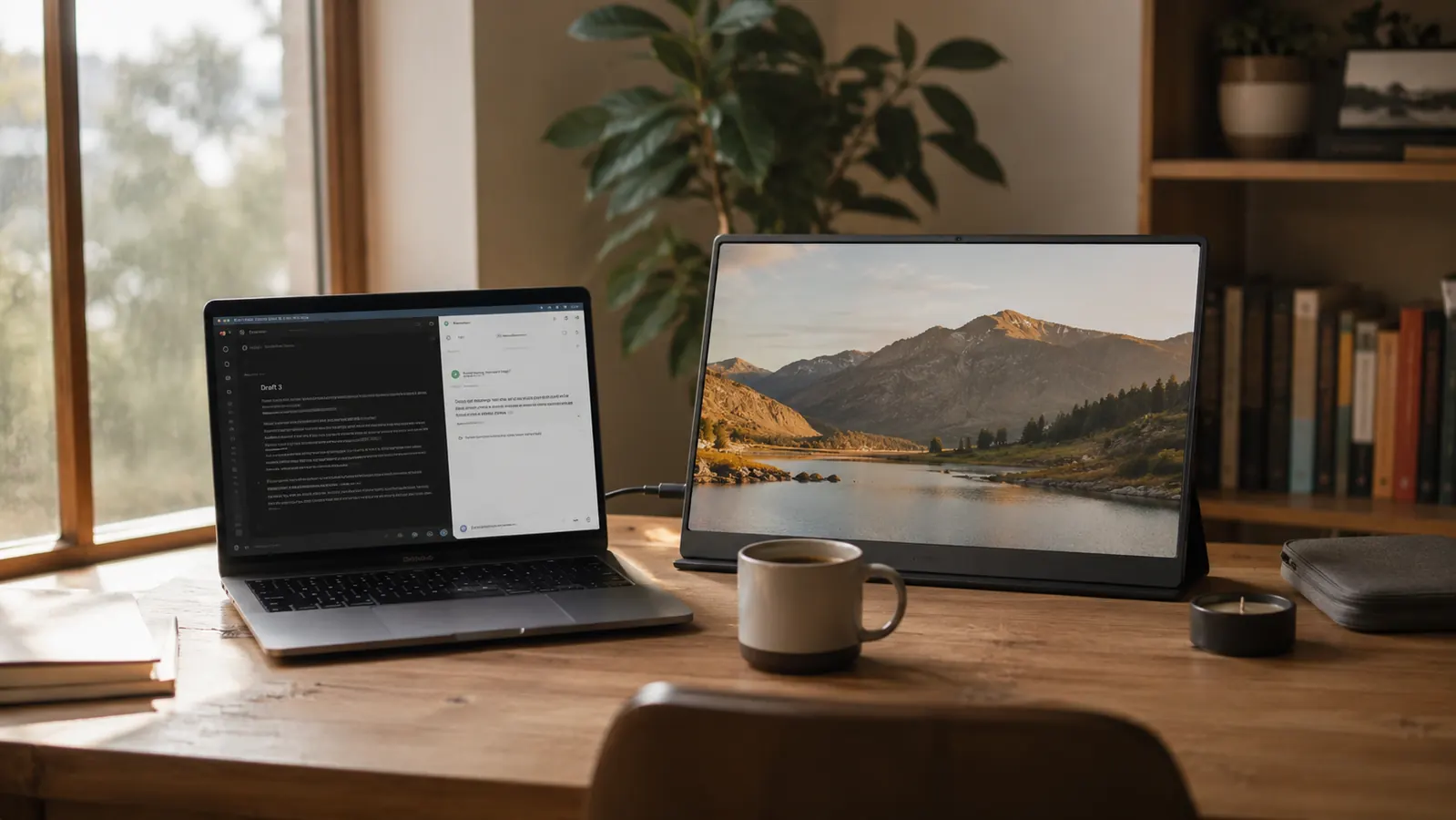
My home office is really a corner of the kitchen table, and for the first year of working from home that meant one screen doing the job of two. Emails buried the spreadsheet I needed, video calls covered my notes, and I kept minimizing windows all day long trying to see everything at once. Adding a KYY 15.6-inch portable monitor next to my laptop fixed almost all of it, and it folds flat enough to slide into a drawer the second dinner needs the table back. I was skeptical that a slim, battery-free screen could really change my workflow, but it did within the first week, and it has stayed part of my daily setup ever since. Here are ten real reasons a portable monitor like this one earns a permanent spot on a home office desk, even a very small one.
Stop juggling one screen for a two-screen job.
The KYY portable monitor gives your laptop an instant second display, no extra desk, no permanent mount, no fuss. It sets up before your coffee gets cold and puts away just as fast when you need the space back.
Amazon Check Today's Price on Amazon →You get a second screen without a permanent setup
You do not need a dedicated office to want dual screens. The KYY portable monitor sets up in under a minute, stands on its own folio cover, and comes back down just as fast when the table needs to be a table again. That flexibility matters more than people expect once they actually work this way, especially if your workspace has to double as a dining room or a guest room by evening. I did not realize how much I had been avoiding certain tasks simply because a single screen made them tedious.
Multitasking stops feeling like whiplash
Keeping a spreadsheet open on one screen while email or a browser tab lives on the other sounds small until you try it. I stopped alt-tabbing between windows a dozen times an hour, and tasks that used to take me twenty minutes of scrolling back and forth now take twelve. The portable monitor is the reason, and once you get used to seeing both windows at the same time, going back to one screen feels genuinely slower. It is the single change that made the biggest dent in my afternoon workload.
Video calls look and feel more professional
I put my meeting notes or agenda on the KYY monitor and keep my face and the call itself on the laptop screen, right at eye level. No more glancing sideways at a legal pad or scrolling away from the call to check a document. It is a small change that makes you look more present on camera, and it means I actually reference my notes instead of forgetting what I meant to say halfway through a meeting.
It travels as easily as a laptop bag
At around a pound and a half and thinner than most tablets, the KYY portable monitor slides into a bag next to the laptop without adding real bulk. I have taken mine to a coffee shop, a friend's dining room while visiting, and a hotel room during a work trip, and each time it turned a single-screen laptop into the setup I actually use at home, not a cramped compromise for the week I was away. That consistency alone has saved me from falling behind while traveling.
One cable does the whole job
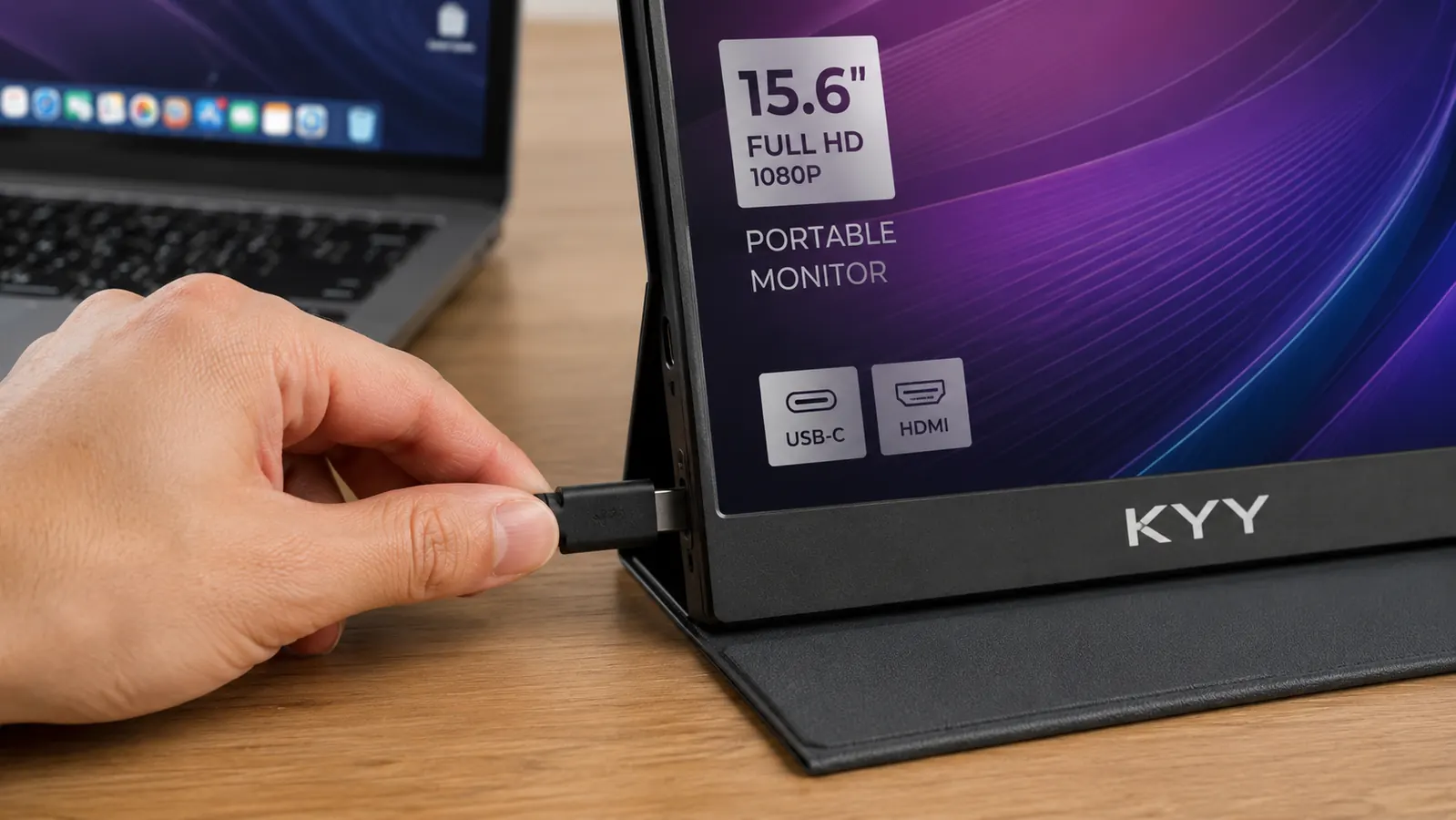
A single USB-C cable carries video, data, and enough power for the screen on most modern laptops. There is no adapter box, no separate power brick to pack, no tangle of cords under the desk. If your laptop has USB-C, the KYY monitor is close to plug-and-play, which matters a lot on a morning when you are already running late for a call and do not have time to troubleshoot cables.
Portrait mode is a genuine productivity trick
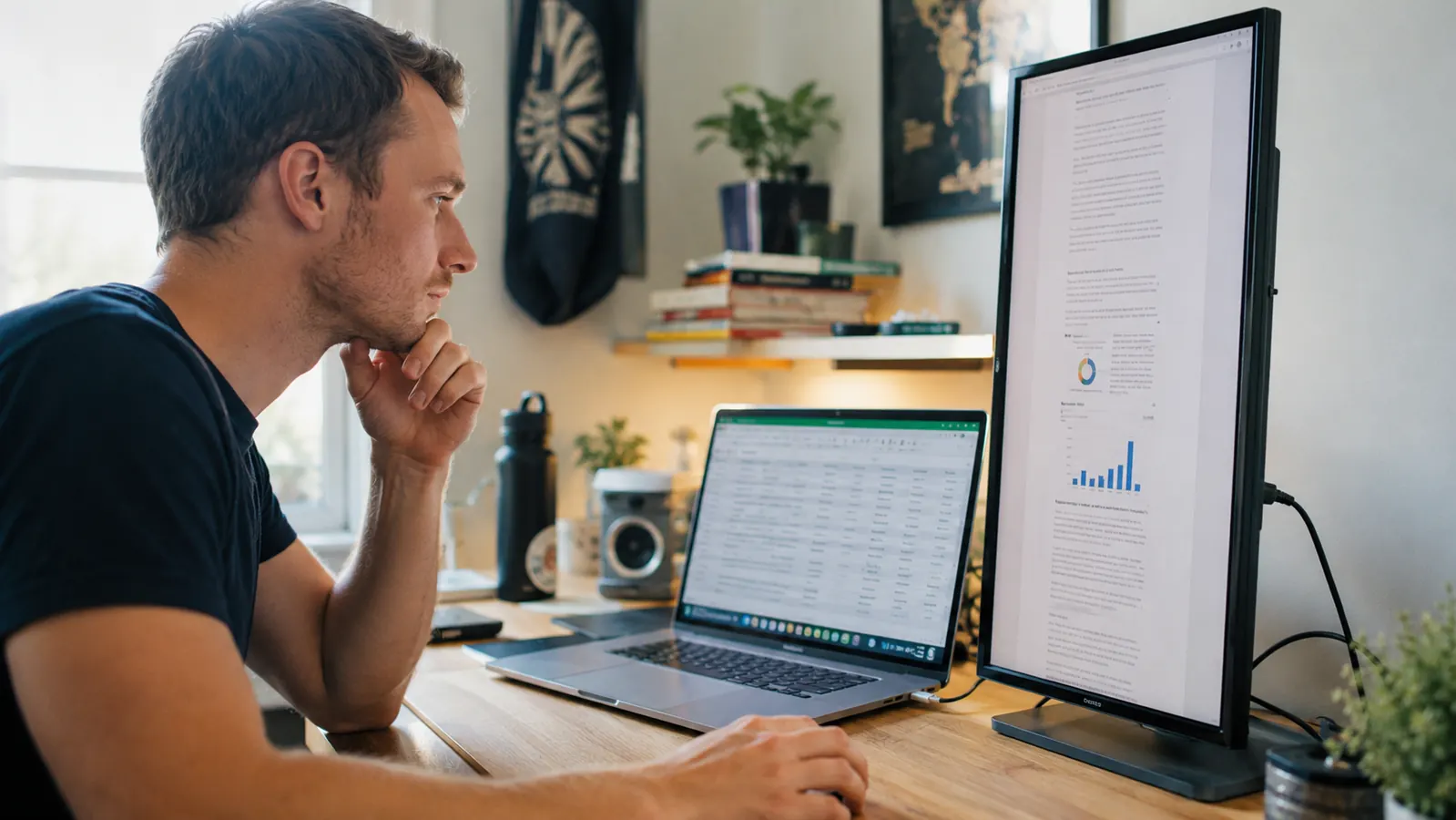
Rotate the KYY monitor vertically and long documents, code, or PDFs display far more of the page at once than any landscape screen manages. I use portrait mode for grading and lesson planning documents specifically because I can see almost a full page without scrolling every few seconds, and it is one of those small features that ends up used daily rather than once and forgotten, which is more than I can say for most extras that ship with tech products.
It gives a shared household more workspace without more furniture
When two people are working from the same house on the same day, desk space runs out fast. A portable monitor lets a second person set up a real workstation at the kitchen table or a spare corner in minutes, without buying a second desk or a second monitor arm neither of you has room for or wants to store between work-from-home days. It is the kind of gear that quietly keeps a shared house running smoothly.
It is useful well beyond spreadsheets
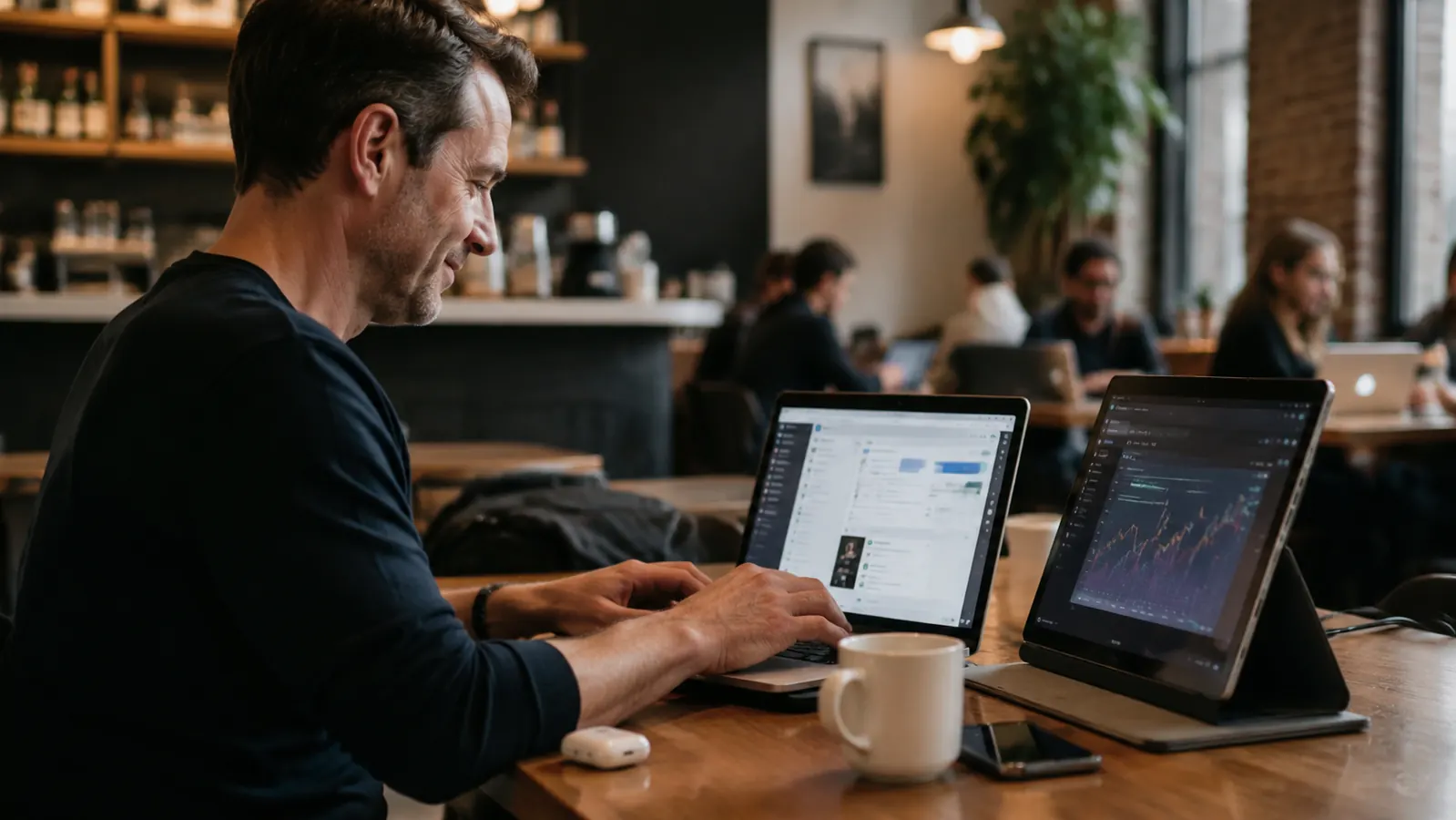
Side projects, streaming a reference video while you work, reviewing photos or design files next to your editing software, all of it benefits from a second screen that does not require a permanent monitor stand. The KYY screen's built-in speakers also mean you are not stuck routing audio through tinny laptop speakers when you do need sound, which is a small detail that quietly earns its keep on busier days.
Your neck and eyes get a break
Hunching over a single low laptop screen all day adds up. Propping the KYY monitor at a better height and angle, even on a simple stand or a stack of books, gives your eyes a second reference point at a more natural level and breaks up the strain of staring at one small screen for eight hours straight, day after day. My shoulders noticed the difference before I consciously did.
It costs far less than a real second monitor setup
A full-size external monitor plus a stand or arm adds up quickly and needs permanent desk real estate most home offices do not have. The KYY portable monitor gets you most of the dual-screen benefit at a fraction of that footprint and cost, which is exactly why it is the one piece of gear I recommend first to anyone working from a small or shared space and unsure where to start upgrading.
What I'd Skip
I would not buy a portable monitor expecting it to replace a full studio setup for heavy design or video editing work. The color accuracy and size are fine for everyday tasks like email, spreadsheets, documents, and video calls, but it is not a substitute for a proper calibrated display if that is your actual job. I also would not skip a basic stand or the included folio cover, propping it against a stack of books works in a pinch but a real stand keeps the screen steadier for daily use and saves you from readjusting it every time you bump the desk. Skip anything that leaves the monitor wobbling mid-call, it undoes half the benefit.
I did not need a bigger office. I needed a second screen that could disappear when dinner needed the table back.
One cable. One extra screen. A lot less window-juggling.
See why the KYY portable monitor is the easiest upgrade for a small home office, no permanent desk setup required and nothing extra to store when you are done for the day.
Amazon Check Today's Price on Amazon →