
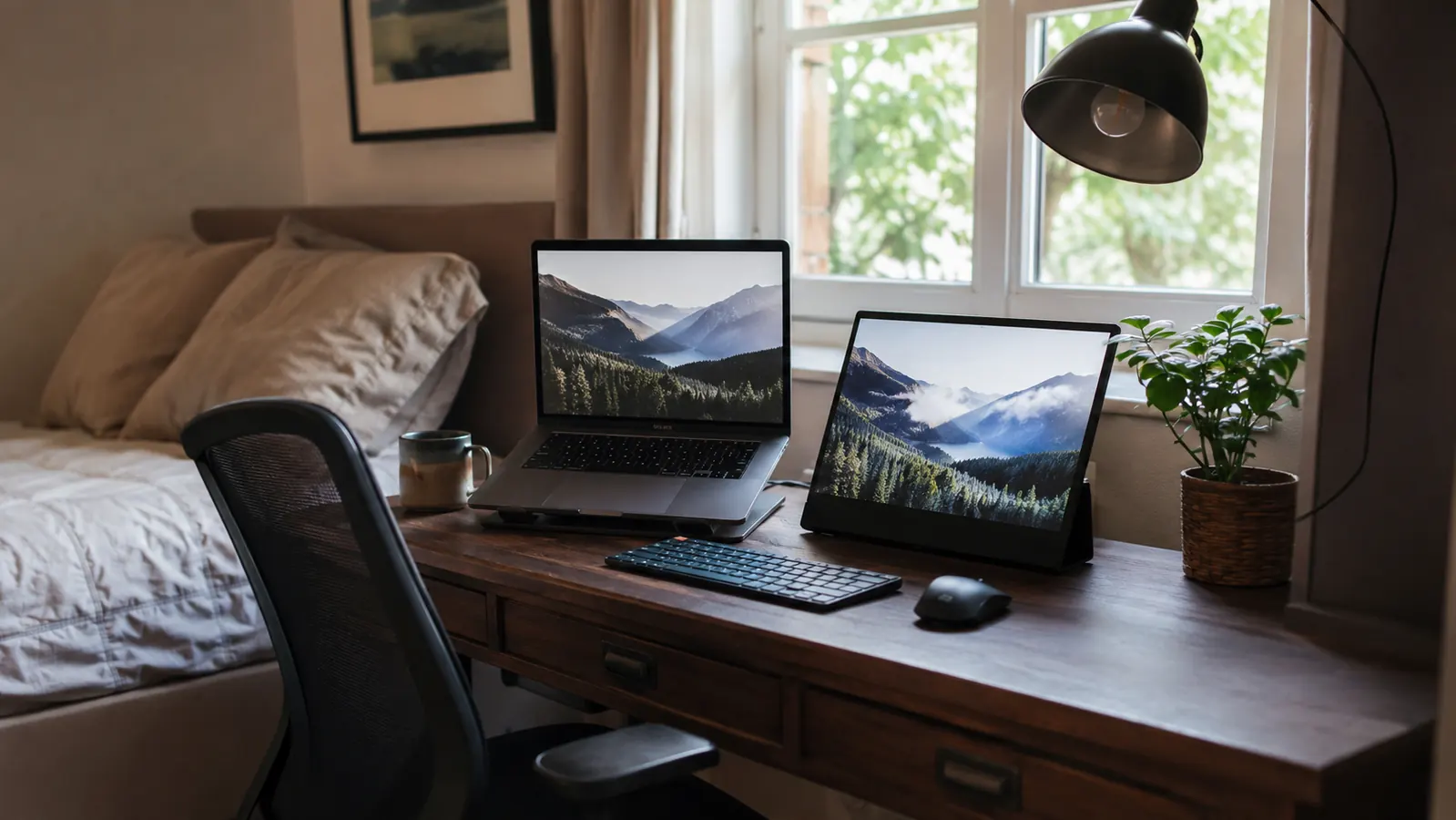
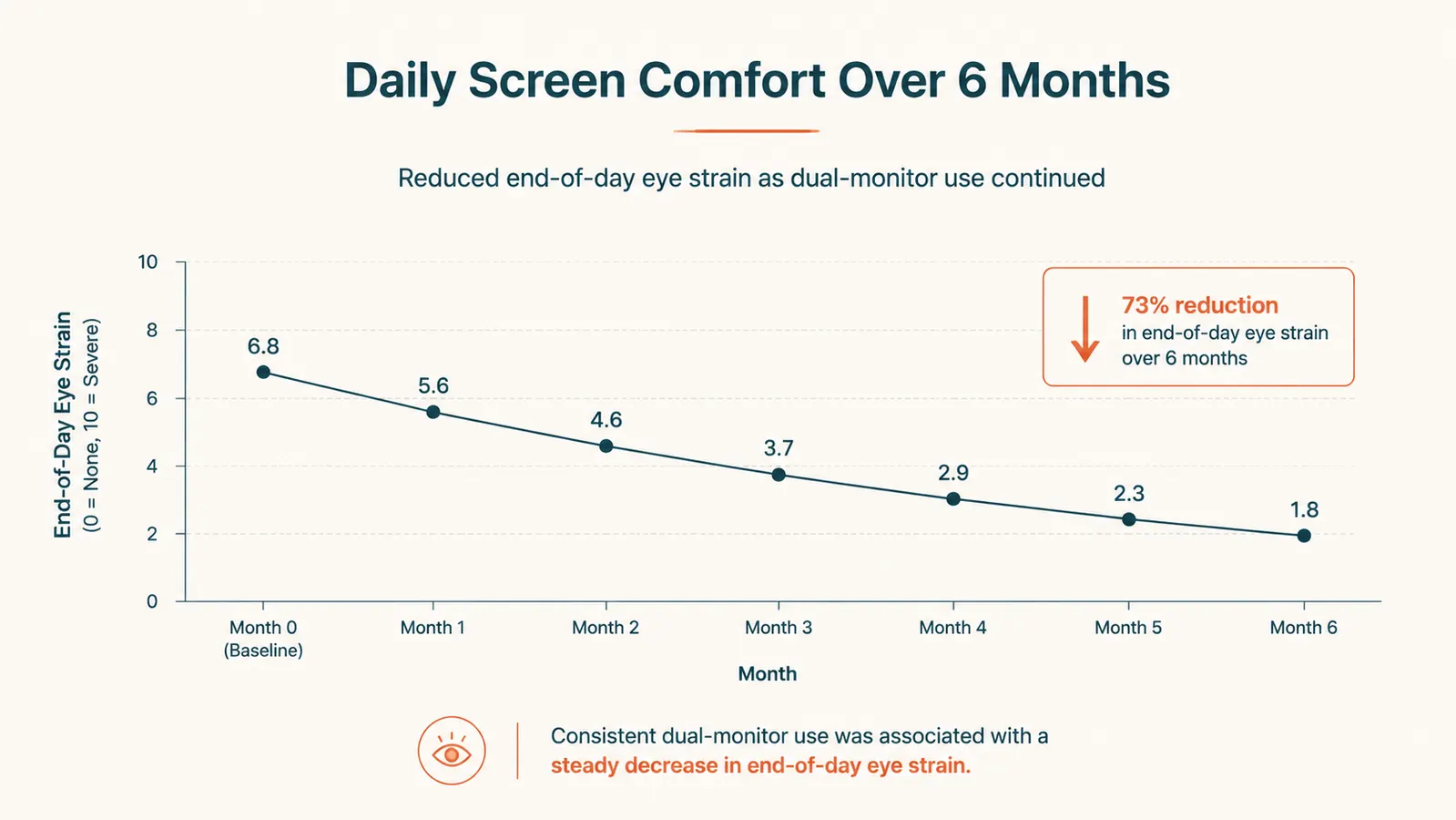
Back in January, my laptop screen and I had a falling out. I run project coordination for a small marketing agency from a desk wedged into the corner of our guest room, and for two years I did everything, client decks, spreadsheets, three browser tabs of the same Asana board, on one 13-inch laptop screen. By 3pm most days my eyes felt like they had run a marathon. So in mid-January I bought the KYY 15.6-inch portable monitor, the FHD model with USB-C, HDMI, and built-in speakers, mostly because it was the one size that would actually fit next to my laptop without rearranging the whole room. Six months and something like 700 hours of screen time later, I know exactly what it is good at, what it is not, and where it has held up and where it has not.
I want to be upfront that this is not a spec-sheet review. I am not going to tell you the panel supports 1.07 billion colors and call it a day. I am going to tell you what it is like to use this thing every single weekday for six months while also managing a seven-year-old's remote learning day, a husband who works nights, and a desk that is really just a repurposed dresser with a lamp clamped to the side.
The Quick Verdict
A genuinely useful second screen for a cramped home office, sharp enough for spreadsheets, decks, and video calls, though the flimsy kickstand and tinny speakers keep it from being perfect.
Amazon Check Today's Price →Your Laptop Screen Isn't the Problem. Your Setup Is.
If you are still working off one small screen, the fix isn't a new laptop. It's an extra 15.6 inches of workspace that folds flat and lives in a bag. Here's the exact monitor I've used every workday for six months.
Amazon Check Today's Price on Amazon →How I've Used It, Six Months In
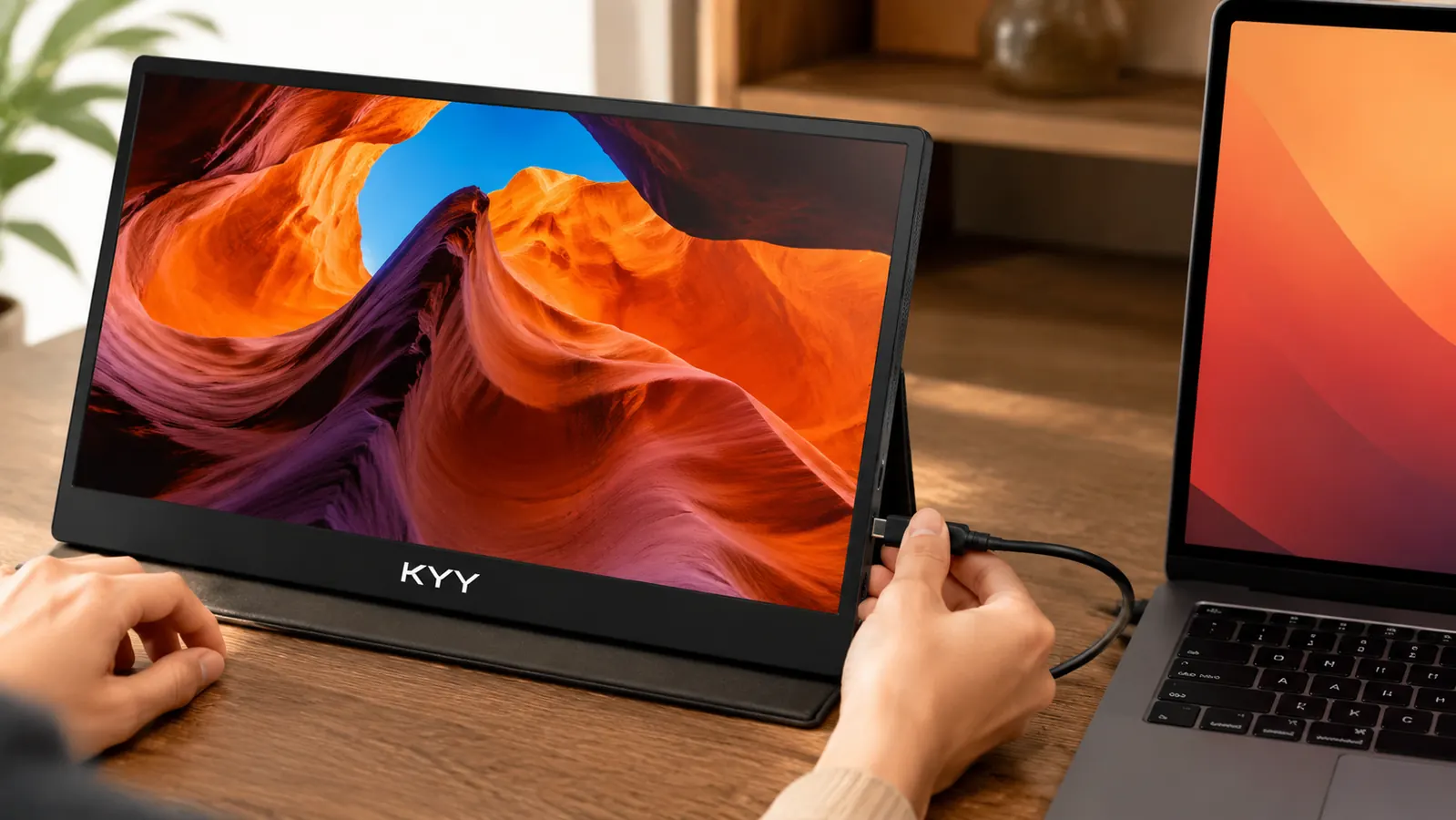
Most days it lives about eight inches to the left of my laptop, propped up on the fold-out cover that doubles as a kickstand. I connect it to my laptop with a single USB-C cable, no HDMI, no separate power brick, and it just works, video and power over one cord. My left screen holds whatever spreadsheet or client deck I am staring at. My laptop screen holds email and Slack. That split alone cut down on the amount of alt-tabbing I do in a day by what feels like half.
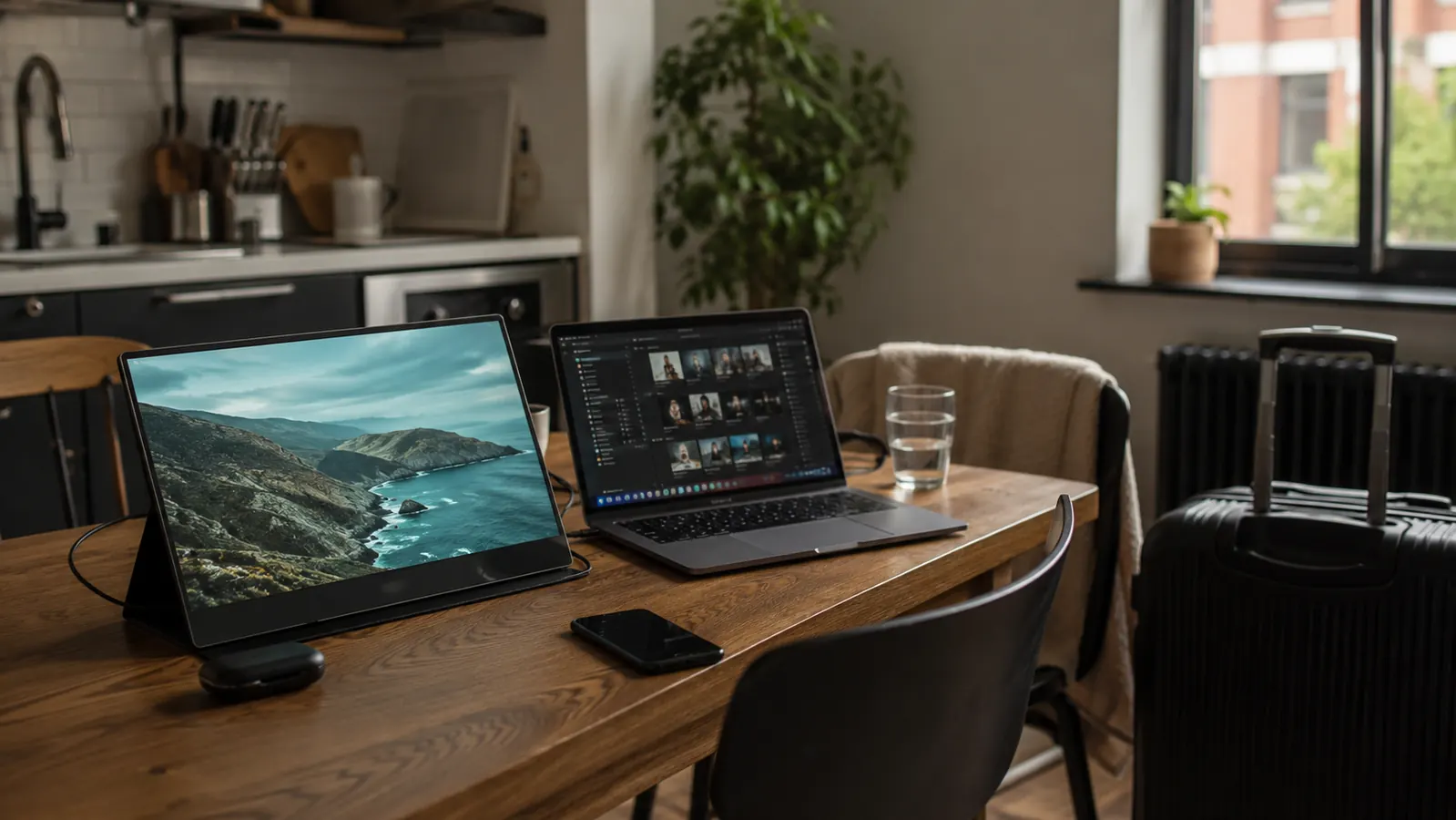
In March, we spent a week at my in-laws' place two states over, and I packed the monitor in the zippered sleeve it ships with, right alongside my laptop. I worked from their kitchen table for five days with the same two-screen setup I have at home. That trip is honestly what convinced me this wasn't a desk toy. It is light enough, at under two pounds, that I forgot it was in my bag half the time, and setup at a new table each morning took less than a minute.
It has also pulled double duty as a kid's screen. During a snow day in February, my son used it hooked up to an old laptop of ours for his virtual class while I worked on my main setup a few feet away. It handled that just fine over HDMI, no lag, no fuss, though I will say the speakers were not loud enough for his teacher's voice without headphones. By April it had become part of our normal rotation, not a special-occasion gadget, which is the real test of whether something earns a permanent spot in a house this small.
Screen Quality and What the Specs Actually Mean
The panel is a 1080p IPS screen, and in plain terms that means colors look accurate from almost any angle, which matters more than people think. When my husband glances over my shoulder to look at a client mockup, he is not seeing a washed-out, inverted mess the way you do on cheaper TN panels. The HDR support is listed on the box, and I will be honest, I do not notice it in daily spreadsheet and email work. It is not a feature I would buy the monitor for, but it does not hurt anything either.
Brightness is where I have the most mixed feelings. Indoors, at my desk in the guest room with the blinds mostly closed, it looks crisp and easy to read for hours. But that same kitchen table at my in-laws' house sits right under a big window, and on sunny mornings I had to angle the monitor or close the blinds to cut the glare. If your workspace gets a lot of direct sun, keep that in mind before you plan on using it right next to a window.
The refresh rate is standard 60Hz, which is completely fine for the work I do. Scrolling through a long spreadsheet or dragging a window across both screens looks smooth enough. This isn't a gaming monitor and KYY doesn't market it as one, so I don't hold that against it, but it's worth knowing if you were hoping to use it for anything more demanding than office work and video calls.
For reference on the actual physical footprint: it's a 15.6-inch diagonal screen, roughly the same width as a standard sheet of paper turned sideways, and it sits at a similar height to my laptop screen when it's propped on the folio stand. It does not add real depth to my desk, which matters a lot on a surface that is maybe two feet deep.
How It's Held Up After Six Months of Daily Use
The screen itself has been the reliable part. No dead pixels, no discoloration, no flickering, even after being folded, packed, unfolded, and repacked probably fifteen or twenty times between home and travel. The anti-glare coating still looks the same as the day I opened the box.
The kickstand built into the folio cover is where I have seen the most wear. It is a simple fold-and-prop design, and after months of use the fold crease has softened enough that the monitor sits at a slightly lower angle than it used to. It has never actually fallen over, but I notice I have to double-check the angle more carefully now than I did in January.
The USB-C port has held up better than I expected. I plug and unplug that cable multiple times a day, and it still clicks in snug with no wobble. In April my son bumped the desk while the monitor was propped up and it tipped forward onto a stack of folders instead of the desk itself. No cracks, no dead spots, just a small scuff on one corner of the case. That was more luck than anything, but it did tell me the housing can take a hit without the screen paying for it.
The one thing I replaced was the microfiber cloth that came in the box, which I lost somewhere around March. I now just use a regular screen cloth, and it works the same. Small thing, but worth mentioning since it's the only accessory I've had to think about at all in six months.
Where It Fits Best in a Home Office
This monitor makes the most sense for anyone working from a small or shared space where a full-size second monitor just does not fit, or would need to be permanently mounted somewhere you cannot spare. If your setup changes depending on the day, guest room in the morning, kitchen table in the afternoon, this earns its keep by folding flat and going wherever you go.
It has also turned out to be the thing I hand off when someone else in the house needs a screen for an hour, whether that is my son's virtual class or my husband wanting to review something on a bigger display than his phone. One monitor, several jobs, none of them requiring a permanent setup change, and none of them requiring me to give up my own workspace to lend it out. It also works well for anyone doing occasional remote consulting or freelance client calls from a rented apartment or a room they can't drill into, since nothing about setting it up requires modifying the space.
The Tradeoffs I Didn't Expect
The speakers are the clearest weak point. They are fine for a notification ping or a quick voice memo, but for an actual video call with a client, I still plug in headphones or use my laptop's audio. I would not buy this monitor for the built-in sound, and I do not think KYY intends for anyone to.
The kickstand only offers one real angle. There is no adjustable hinge like you would get with a proper monitor arm, so if your desk height and your eye level do not naturally line up, you may end up stacking books under it like I did for the first month, before I gave in and bought a small stand separately.
One more thing worth knowing: not every laptop's USB-C port will drive both video and power the way mine does. My Dell XPS 13 supports full USB-C with DisplayPort alt mode, so one cable does everything. An older laptop of ours does not, so with that one I need the separate HDMI and USB power cables the monitor also includes. Check what your laptop actually supports before assuming the single-cable setup will work for you too, because that detail is easy to miss until you're already trying to plug it in.
Alternatives I Considered
Before buying, I looked hard at the UPERFECT portable monitor, which runs a similar size and price range with a slightly different port layout and a built-in stand design. I put together a full side-by-side comparison of the KYY and the UPERFECT if you want the exact differences, because on paper the two look almost identical and the small stuff, stand angle, port placement, speaker quality, is what actually matters when you are the one using it every day.
I also considered just buying a second full-size monitor and mounting it permanently, but with a desk that gets used for other things some evenings, a folding portable screen made more sense for how our house actually works. If you want the fuller case for why a portable second screen changes a home office day to day, I laid out ten specific reasons it has helped my productivity that go beyond just having more screen space.
What I Liked
- Sharp, accurate 1080p IPS panel with no dead pixels after six months
- True single-cable USB-C setup on laptops that support it
- Light enough to travel with, under two pounds packed
- Folio cover doubles as a stand and a screen protector
- Handles both office work and occasional kid or spouse handoffs
Where It Falls Short
- Built-in speakers are too weak for real video calls
- Kickstand offers only one angle and softens with heavy folding
- Gets washed out in direct sunlight without adjusting position
- Not every laptop's USB-C port will run it single-cable
The best upgrade to my home office this year didn't require moving a single piece of furniture, buying a new desk, or mounting anything to a wall.
Who This Is For
If you are working from a small desk, a shared table, or a space that changes day to day, and your laptop screen alone is not cutting it, this is worth a look. It is also a smart pick if you travel for work and want a real second screen without checking a bag for it.
Who Should Skip It
If you do a lot of video calls and were hoping the built-in speakers would cover you, skip it and plan on headphones from day one. And if you need an adjustable-height, rock-solid permanent second monitor for a dedicated desk that never moves, a standard monitor on an arm will serve you better long term. If you mostly work from one fixed spot and never travel, you might get more day-to-day comfort out of a larger, wall-mounted display instead, since this one is built first for portability, not for being the biggest screen in the room.
Six Months In, I'd Buy It Again
This is the exact KYY portable monitor I've used every workday since January, through a cross-country trip, a kid's snow day, and more client decks than I can count. See today's price and current availability on Amazon.
Amazon Check Today's Price on Amazon →